Twitch Affiliate vs. Partner 2026: Key Differences & Perks
Trying to understand the difference between Twitch Affiliate and Partner?
The answer isn’t just about status—it directly impacts your earnings, growth, and streaming opportunities.
Here’s a simple breakdown to help you decide.
Twitch Affiliate vs Partner (2026)
| Feature / Metric | Twitch Affiliate | Twitch Partner |
|---|---|---|
| Approval Type | Automated once metrics are met | Manual application & editorial review |
| Key Benchmark (30 Days) | 50 followers, 3 avg viewers, 7 broadcast days | 75+ avg concurrent viewers, 12 broadcast days |
| Baseline Sub Split | 50/50 (Eligible for 60/40 & 70/30 via Plus Program) | 50/50 (Eligible for 60/40 & 70/30 via Plus Program) |
| Emote Capacity | Up to 5 standard emotes per tier | Up to 60 standard emotes |
| Video Transcoding | As available (lower server priority) | Guaranteed first-priority quality options |
| Payout Threshold | $50 minimum (Net 15) | $50 minimum (Net 15, no payout fees) |
| Support & Badge | Standard email support; regular chat badge | Priority support queue; Verified Purple Checkmark |
Introduction: Understanding Twitch’s Monetization Tiers
Twitch has completely changed the way we create content by giving streamers several means of income for their hobby. Whether you’re a gaming enthusiast, a creative artist, or a Just Chatting streamer, Twitch offers two major pathways to earning revenue: the Affiliate Program and the Partner Program.
For many streamers, reaching Twitch Affiliate is the first major milestone—it unlocks basic monetization tools like subscriptions, Bits, and ad revenue. However, the Twitch Partner Program is where the real prestige and financial potential lie, offering higher payouts, exclusive features, and greater visibility.
But what makes these two programs different, exactly? And more importantly, how do you become a Partner from an Affiliate?
This guide will break down everything you need to know, including:
- The key differences between Affiliate and Partner status
- Revenue potential for each tier
- Step-by-step strategies to upgrade from Affiliate to Partner
- Common mistakes that delay Partner approval
- Success stories from streamers who made the leap
- Future trends in Twitch monetization
Whether you’re just starting or have been streaming for months, this guide will help you optimize your channel, grow your audience, and maximize earnings. Let’s get into it!
Chapter 1: What is the Twitch Affiliate Program?
The Twitch Affiliate Program serves as the gateway for streamers to begin monetizing their content. Unlike the Partner Program, which requires manual approval, Affiliate status is automatically granted once you meet specific metrics. But what exactly does this program offer, and is it worth pursuing?
The Four Pillars of Twitch Affiliate Requirements
To qualify for Affiliate status, you must meet four key benchmarks within a 30-day period:
- Follower Count (50+)
- While 50 followers may seem modest, gaining organic followers requires consistency.
- Pro Tip: Use raid features and collaborate with similar-sized streamers to boost growth.
- Streaming Hours (500+ Minutes)
- This equals about 8.5 hours of streaming—roughly 3-4 streams per week.
- Avoid marathon streams; instead, space out broadcasts for better retention.
- Streaming Days (7+ Unique Days)
- Twitch wants to see regular activity, not just a few long sessions.
- Ideal Schedule: Stream 3-4 times per week for 2-3 hours each.
- Average Concurrent Viewers (3+)
- The hardest requirement for new streamers.
- Growth Hack: Ask friends/family to lurk, or join viewer-for-viewer communities (carefully).
Affiliate Perks: What You Actually Get
Once approved, Affiliates unlock:
- Subscriptions (Tier 1, 2, 3) – Fans can support you monthly.
- Bits (Cheering) – Viewers purchase animated “Bits” to cheer in chat.
- Ad Revenue – Earn from pre-roll and mid-roll ads.
- Channel Emotes (Up to 5) – Custom emotes for subscribers.
- Game Sales Revenue – Earn 5% when viewers buy games you’re playing.
Limitations:
- Default 50/50 sub split (requires meeting Plus Program thresholds to unlock 60/40 or 70/30).
- Fewer emote slots compared to Partners.
- No transcoding priority (viewers may get stuck with buffering).
Becoming a Twitch Affiliate is your first major milestone – here’s how to become a Twitch Affiliate in just 30 days. But what comes next? This guide will show you how to climb from Affiliate to Partner status.
Chapter 2: What is the Twitch Partner Program?
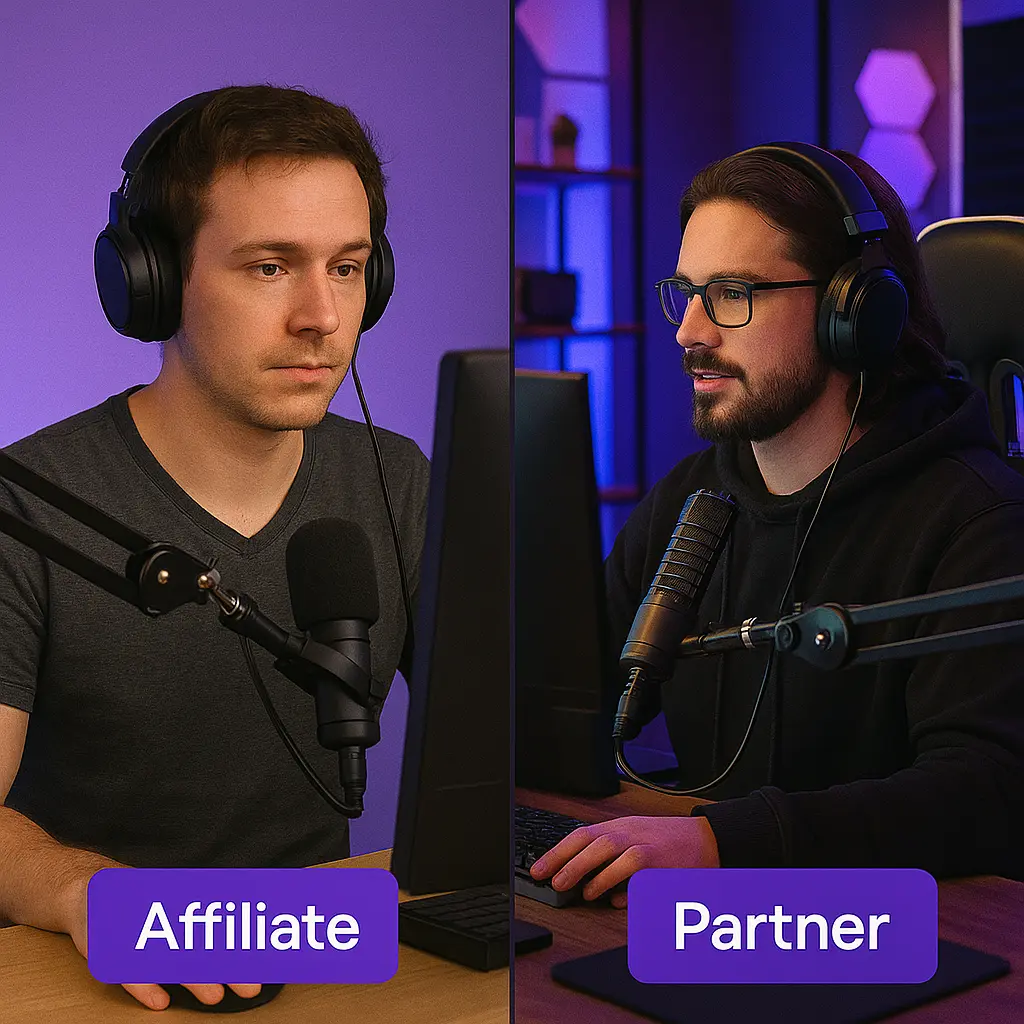
The Twitch Partner Program is the pinnacle of streaming success on the platform. Unlike Affiliate, which is automatic, Partnership requires manual approval—meaning Twitch handpicks who gets in.
Official Partner Requirements
Twitch states you must:
- Stream for 25+ Hours (Last 30 days)
- Shows commitment, not just a “one-time push.”
- Stream on 12+ Unique Days
- Proves consistency—critical for long-term growth.
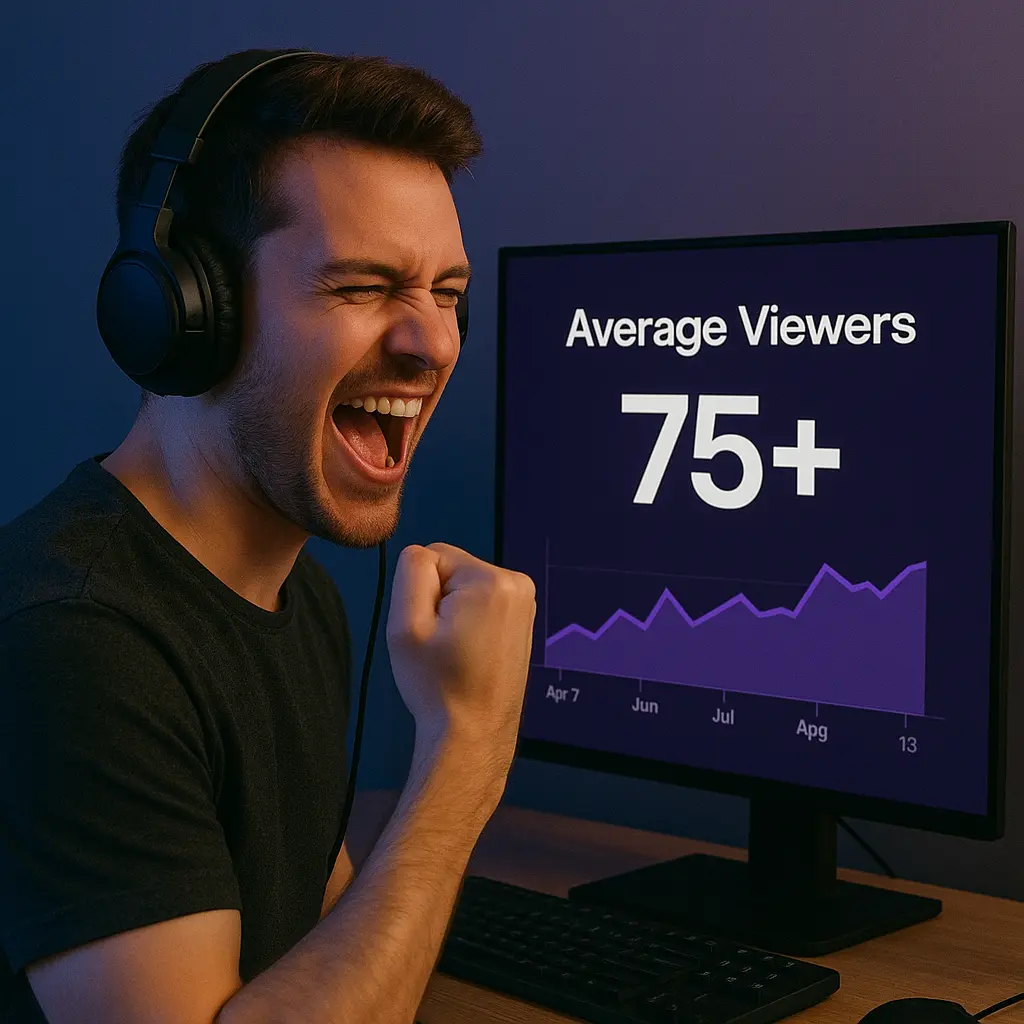
- Average 75+ Concurrent Viewers
- The biggest hurdle for most applicants.
- Tip: Avoid “viewer bots”—Twitch bans them.
- Demonstrate Community Engagement
- High chat activity, subscriber retention, and social media presence.
Important Note: These are minimums—many approved Partners average 100-200+ viewers.
Exclusive Partner Perks
- Higher Revenue Splits
- Access to higher revenue splits (both tiers start at 50/50, but Partners have larger audiences to hit the 100 and 350 Plus Program point tiers for 60/40 and 70/30 splits).
- Better ad deals (Partners can negotiate rates).
- More Emotes & Badges
- Up to 60 emotes (vs. 5 for Affiliates).
- Verified checkmark (boosts credibility).
- Technical Advantages
- Transcoding (Quality Options) – Ensures smooth streams for all viewers.
- Priority Support – Faster responses from Twitch staff.
- Partnership-Only Opportunities
- Invites to Twitch-sponsored events.
- Early access to new features (e.g., Hype Train updates).
Need a full checklist to track your 30-day broadcast numbers? Check out our complete guide to Twitch Affiliate requirements before starting your stream schedule.
Chapter 3: Key Differences Between Affiliate and Partner
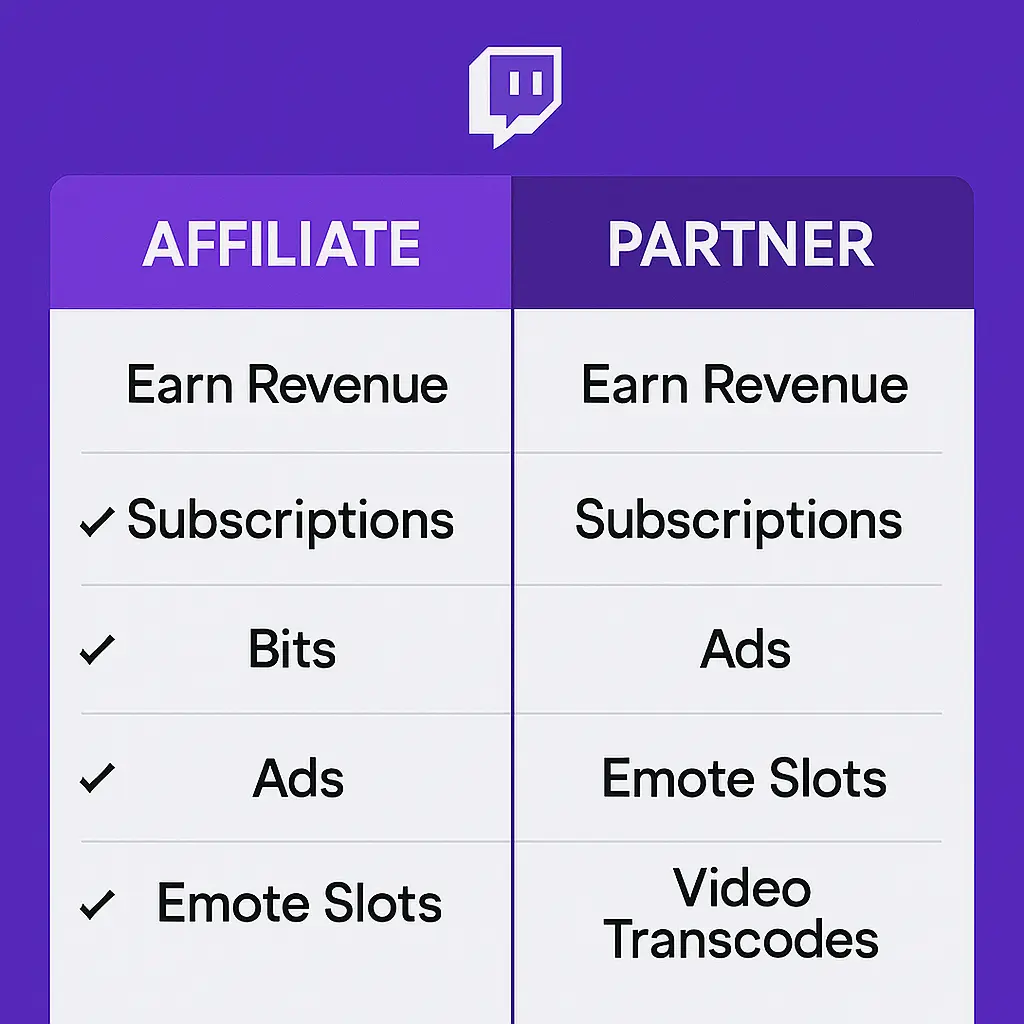
While both programs allow monetization, the gap between Affiliate and Partner is massive. Here’s a detailed breakdown:
1. Monetization & Earnings
| Monetization Feature | Twitch Affiliate | Twitch Partner |
|---|---|---|
| Base Sub Revenue Split | 50/50 standard split | 50/50 standard split |
| Higher Sub Splits (Plus Program) | Eligible for 60/40 (100 pts) & 70/30 (350 pts) | Eligible for 60/40 (100 pts) & 70/30 (350 pts) |
| Ad Revenue Control | Standard ad manager (pre-rolls & scheduled mid-rolls) | Advanced controls & higher custom ad incentive deals |
| Bits & Cheering | Yes ($0.01 per bit) | Yes ($0.01 per bit) + custom partner cheer badges |
| Sponsorship Potential | Primarily smaller affiliate/referral deals | Frequent direct brand sponsorships & game bounties |
Example: On a standard 50/50 baseline, 1,000 Tier 1 subscribers ($4.99) yields roughly $2,500/month. If qualified for the 70/30 Plus tier, that same subscriber base generates approximately $3,500/month before taxes and processing fees.
2. Perks & Features
| Channel Perk / Feature | Twitch Affiliate | Twitch Partner |
|---|---|---|
| Emote Capacity | Up to 5 standard tier-1 emotes (+ slots for tier 2/3) | Up to 60 standard emotes (scales with sub points) |
| Channel Badges | Standard subscriber loyalty badges | Custom subscriber badges + Verified Purple Checkmark |
| Transcoding (Stream Quality) | As available (subject to regional server load) | Guaranteed first-priority quality options (1080p, 720p, etc.) |
| VOD Storage Duration | 14 days (up to 60 with Prime/Turbo) | 60 days included automatically |
| Support & Payout Fees | Standard email support; standard transaction fees | Dedicated partner support; Twitch covers payout transaction fees |
3. Perceived Credibility
- Viewers trust Partners more (verified badge = legitimacy).
- Brands prefer Partners for sponsorships.
- Algorithm boost – Partner streams often get recommended more.
Chapter 4: Revenue Potential – Affiliate vs. Partner
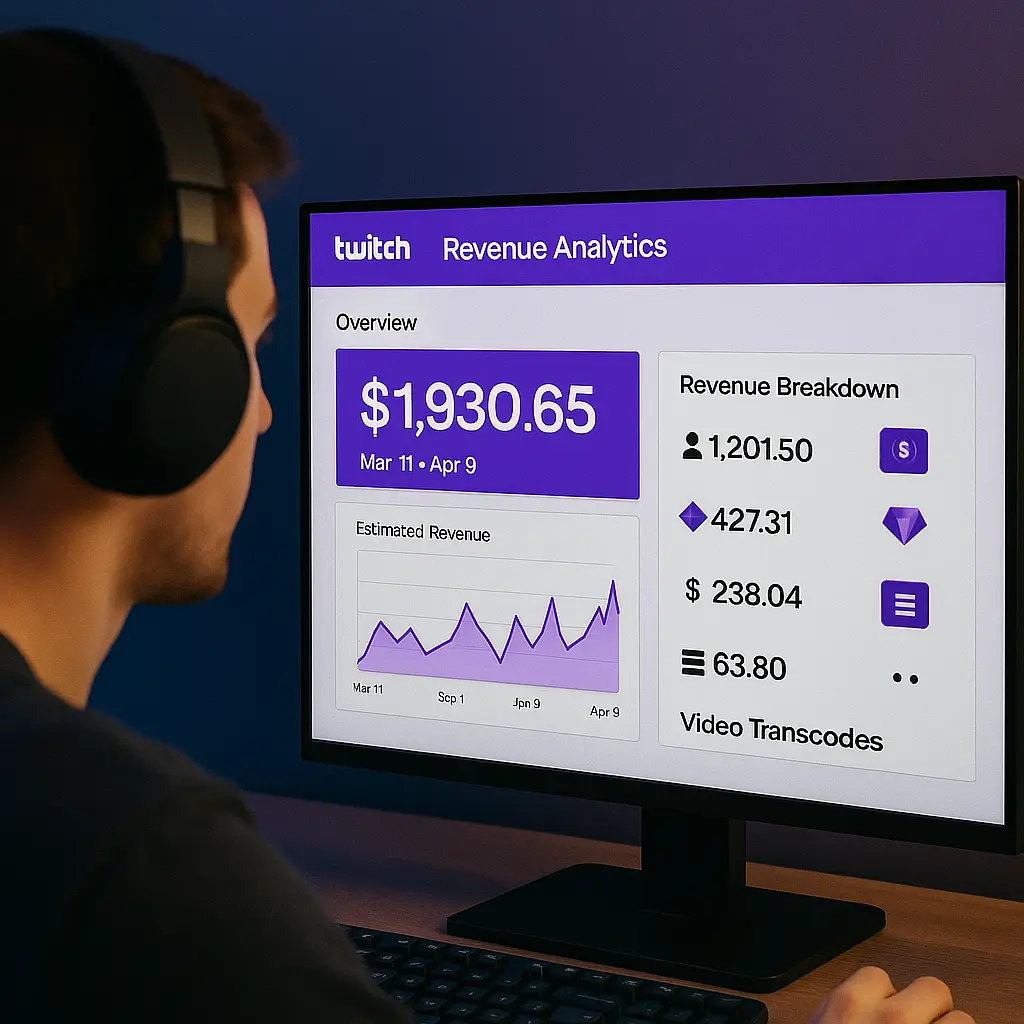
Affiliate Earnings Breakdown
- Subscriptions (50% Cut)
- 1,000 Tier 1 subs = $2,500/month (before fees).
- Bits ($0.01 per Bit)
- 50,000 Bits = $500 (after Twitch’s cut).
- Ads ($3.50–$10.00 CPM per 1,000 impressions): 10,000 ad views = $35–$100.
Total (Example): ~$3,000/month (with moderate success).
Partner Earnings Breakdown
1. Subscriptions (70/30 Tier 1 Plus Program Split)
1,000 Tier 1 paid subs = ~$3,500/month.
2. Bits (Same as Affiliate)
3. Ads (Higher CPM Rates)
Partners earn higher ad revenue shares (often $5–$15+ effective CPM depending on density and viewer location).
4. Sponsorships: Mid-sized Partners frequently land $500 to $5,000+ per branded campaign.
Total (Example): ~$7,000+/month (with same sub count as Affiliate).
Key Takeaway: Partners earn 2-3x more than Affiliates with similar numbers.
Chapter 5: How to Upgrade from Affiliate to Partner
Step 1: Hit the Metrics (75+ CCV, 25 Hours, 12 Days)
- Use SullyGnome or TwitchTracker to monitor progress.
- If stuck at 50-60 viewers, try:
- Networking (raid larger streamers).
- Cross-promotion (TikTok/YouTube clips).
If you’re repurposing your VODs into highlight videos, don’t overlook distribution – stronger view counts on key uploads can improve click-through and help new viewers decide to watch. If you want to kickstart momentum on your best clips, you can buy twitch video views while you keep focusing on what actually converts: consistent content, retention, and real community engagement.
Step 2: Optimize Your Stream Quality
- Video: 1080p60 (if internet allows).
- Audio: Use a $100+ mic (e.g., Shure MV7).
- Lights: Softbox lighting to avoid shadows.
Step 3: Build a Loyal Community
- Discord server for deeper engagement.
- Subscriber-only streams (reward supporters).
Step 4: Apply with a Strong Pitch
- Highlight growth trends (e.g., “Grew from 30 to 80 CCV in 2 months”).
- Show community impact (charity streams, fan art).
Chapter 6: Common Mistakes That Delay Partner Approval
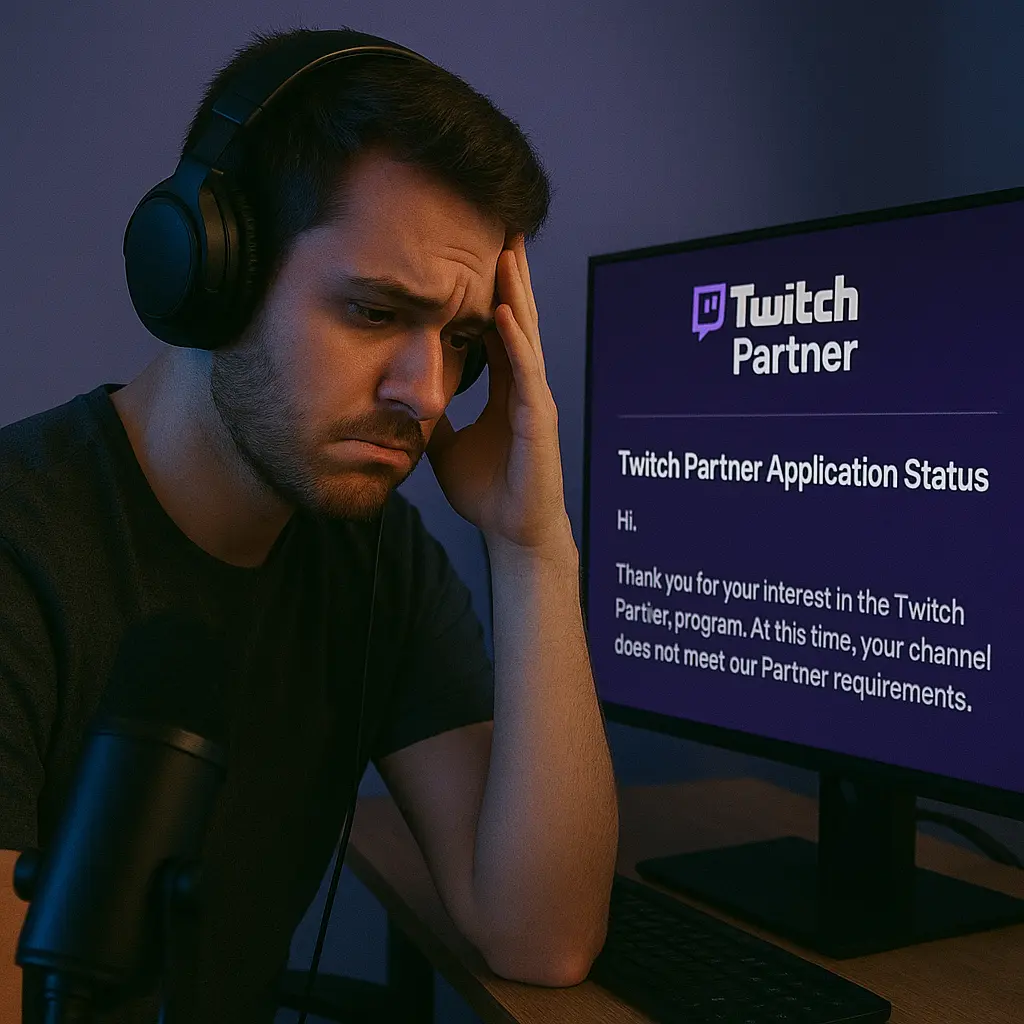
Many streamers meet the basic Partner requirements but still get rejected. Why? Here are the top mistakes that hurt applications—and how to avoid them.
1. Inconsistent Streaming Schedule
Twitch values reliability. If you stream sporadically, the algorithm won’t favor you.
✅ Fix: Stick to a consistent schedule (e.g., 4 days a week at the same time).
2. Low Engagement Despite High Views
Having 75+ average viewers is great, but if chat is dead, Twitch may question your community strength.
✅ Fix: Actively interact with viewers—ask questions, run polls, and use channel points to encourage participation.
3. Overlooking the “Path to Partner” Dashboard
Twitch now offers a “Path to Partner” progress tracker in your Creator Dashboard. Ignoring this means missing key insights.
✅ Fix: Monitor your progress and adjust your strategy accordingly.
4. Applying Too Early Without a Strong Case
Some streamers rush into applying the second they hit 75+ viewers. But Twitch looks for sustained growth, not just a one-time spike.
✅ Fix: Wait until you’ve maintained 75+ CCV for at least a month before applying.
5. Poor Stream Quality or Branding
If your stream has low resolution, bad audio, or weak branding, Twitch may hesitate to approve you.
✅ Fix: Invest in a decent mic, lighting, and overlays. A professional vibe increases approval chances.
Pro Tip: If rejected, ask for feedback and reapply in 30 days. Many Partners succeed on their second try!
Chapter 7: How to Increase Subscriptions & Revenue
Monetization doesn’t stop at reaching Partner—here’s how to maximize earnings at both tiers.
1. Offer Exclusive Perks
- Sub-only streams (e.g., Q&A sessions)
- Discord VIP roles for subscribers
- Custom loyalty badges for long-term subs
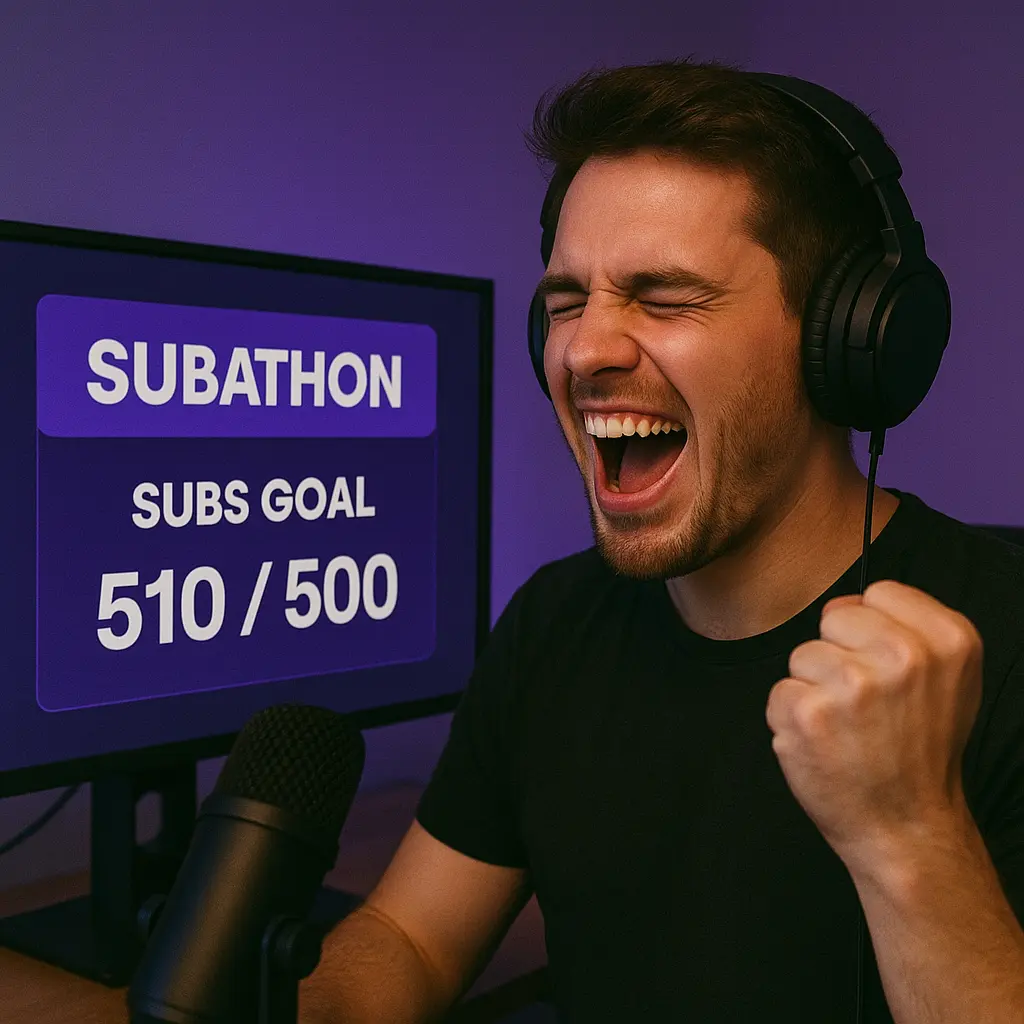
2. Run Subathons & Charity Streams
- 24-hour subathons with milestone goals (e.g., “100 subs = face cam”)
- Charity drives (viewers donate via Bits, increasing engagement)
3. Leverage Ad Incentives
- Partners can pre-roll ad controls (reduce ad frequency for subs)
- Enable mid-roll ads strategically (during breaks, not gameplay)
4. Sell Merchandise
- Use Spring, TeeSpring, or Streamlabs Merch for custom designs
- Promote merch during hype moments (e.g., after hitting a follower goal)
Chapter 8: Alternative Monetization Beyond Twitch
Relying solely on Twitch is risky. Diversify with these additional income streams.
1. YouTube (Long-Form & Clips)
- Upload VODs, highlights, and tutorials
- Monetize through AdSense and sponsorships
2. Patreon & Memberships
- Offer exclusive content (behind-the-scenes, early access)
- Tiered rewards ($5 = Discord VIP / shoutout, $20 = monthly coaching / VOD review calls)
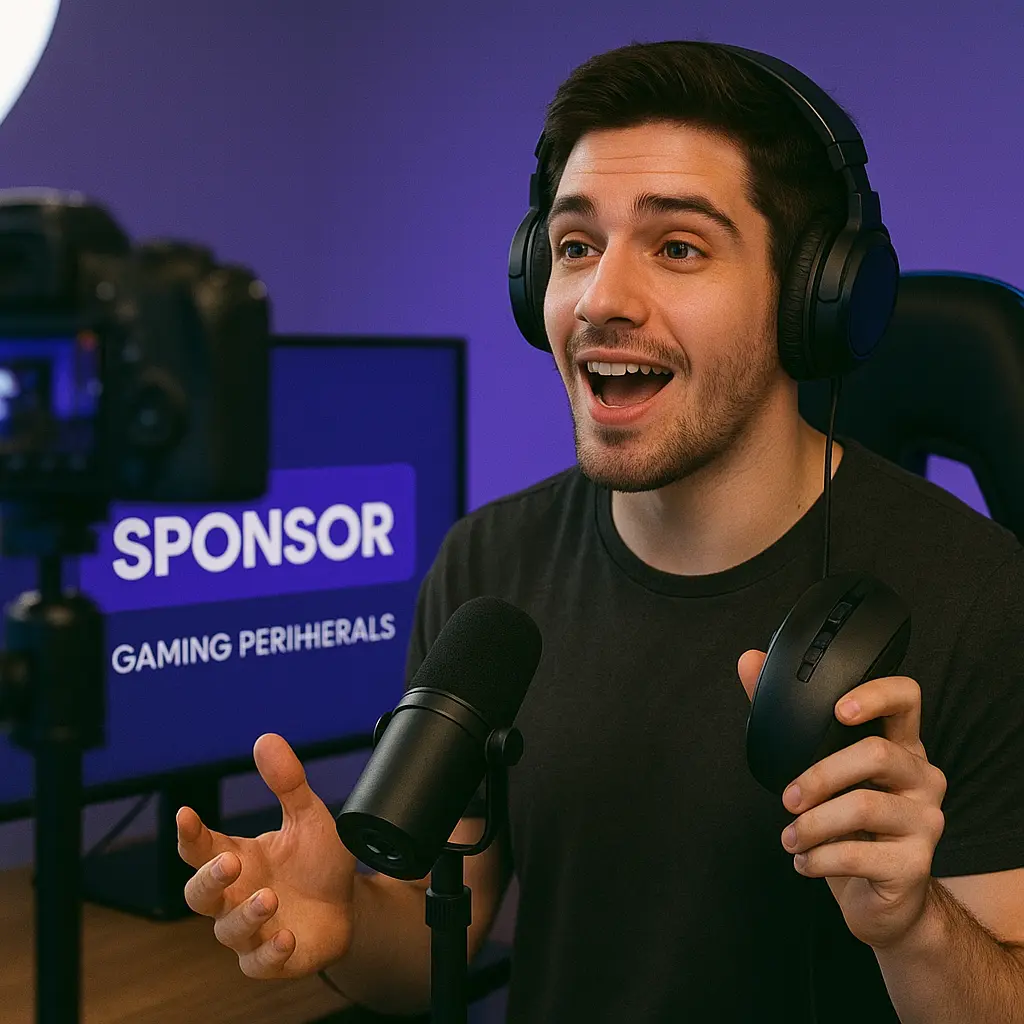
3. Sponsorships & Brand Deals
- Join Nexus.gg, Lurkit, or Thunder for brand partnerships
- Disclose sponsorships transparently (FTC compliance)
4. Coaching & Paid Communities
- Sell 1-on-1 streaming coaching sessions
- Create a paid Discord community for dedicated fans
Chapter 9: Success Stories – Affiliate to Partner Journeys
Case Study 1: The Variety Streamer Who Grinded for 6 Months
- Started with 5-10 viewers, focused on consistent schedules
- Used TikTok & Twitter to clip funny moments
- Hit 100+ CCV by networking with other streamers
Case Study 2: The Speedrunner Who Leveraged YouTube
- Grew by posting world record attempts on YouTube
- Partnered with gaming brands for peripherals
- Now averages 200+ live viewers
Key Takeaway: There’s no “one path”—experiment and double down on what works.
Chapter 10: Maintaining Partner Status & Avoiding Strikes
Losing Partner status is every streamer’s nightmare. Avoid these pitfalls.
1. Community Guidelines Violations
- Ban evasion, hate speech, or harassment = instant strikes
- ✅ Fix: Moderate chat strictly with AutoMod and mods
2. DMCA & Copyright Issues
- Playing copyrighted music risks strikes
- ✅ Fix: Use Pretzel Rocks or StreamBeats for safe music
3. Inactivity Removal
- Partners must stream at least once every 30 days
- ✅ Fix: Schedule reruns or “best of” streams if taking a break
Chapter 11: Future of Twitch Monetization
Twitch is evolving—here’s what’s coming next.
1. Higher Ad Revenue Splits
- Rumors of better payouts for consistent ad runners
2. More Emote & Badge Slots
- Partners may get additional custom emote slots
3. Tiered Partnership Levels?
- Speculation about “Platinum Partner” for top 1% streamers
Pro Tip: Stay updated via Twitch’s official blog.
Chapter 12: Final Tips Before Applying for Partner
The Ultimate Pre-Application Checklist
Before you click that “Apply” button for Twitch Partner status, you need to ensure every aspect of your channel is optimized for success. This chapter provides an exhaustive, step-by-step guide to maximizing your approval chances.
1. Deep-Dive Analytics Review
Track Your Growth Metrics Religiously
- Use Twitch Tracker or SullyGnome to analyze:
- 30/60/90-day viewer trends (look for steady growth, not spikes)
- Average concurrent viewers (must sustain 75+ for at least 4 weeks)
- Follower-to-viewer conversion rate (aim for 10-20% of followers as viewers)
Benchmark Against Approved Partners
- Research similar-sized Partners in your category
- Compare their:
- Stream frequency
- Chat activity (messages per hour)
- Social media cross-promotion
- Compare their:
Pro Tip: If your stats match or exceed theirs, you’re ready.
2. Networking & Community Validation
Build Relationships with Current Partners
- Join Partner-only Discords (many exist for networking)
- Get raided by Partners (increases Twitch’s perception of your credibility)
- Co-stream with Partners (appears as an “endorsement” to Twitch)
Leverage Your Community as Social Proof
- Highlight in your application:
- Fan-created content (emotes, art, memes)
- Subscriber milestones (e.g., “100 subs in first month”)
- Charity streams or community events
3. Perfecting Your Application
The Three-Part Pitch
Your application should include:
- Growth Story
- “Went from 5 to 100+ CCV in 6 months through…”
- Include specific strategies (TikTok clips, Discord engagement)
- Community Impact
- “My subscribers organized a fan-art contest…”
- Show chat logs with high engagement
- Future Plans
- “As a Partner, I’ll launch a weekly talk show featuring…”
- Demonstrate long-term commitment
Avoid These Application Killers
- Generic statements (“I love streaming”)
- Overpromising (“I’ll get 1,000 viewers daily”)
- Begging (“I really deserve this”)
4. Technical & Content Polish
Stream Quality Audit
- Video: Stable 1080p60 (test with Twitch Bandwidth Tester)
- Audio: Noise suppression, balanced game/voice mix
- Lighting: No shadows, professional backdrop
Content Differentiation
- What makes your stream unique?Examples:
- “Only speedrunner with daily tutorial segments”
- “First VTuber focusing on indie horror games”
5. The Waiting Game: What to Do After Applying
Continue Growing During Review (2-4 Weeks)
- Don’t stagnate—Twitch may check your recent stats
- Ideally, show further growth during this period
If Rejected: The Recovery Plan
- Request feedback (not guaranteed, but worth trying)
- Address the weakest area:
- Low CCV? Increase promotion
- Inconsistent schedule? Stream more
- Reapply in 30-45 days with visible improvements
6. Alternative Pathways to Partnership
Twitch’s “Fast Track” Opportunities
- Being featured in:
- Twitch Rivals events
- Official category spotlights
- Partner-organized tournaments
The “Under 75 CCV” Exception
In rare cases, Twitch approves:
- Highly unique content (e.g., educational streams)
- Marginalized creators advancing diversity
- Streamers with strong off-platform followings
7. Psychological Preparation
Managing Expectations
- First-time approval rate: ~30%
- Many successful Partners applied 2-3 times
- Rejection ≠ failure—it’s a growth opportunity
Staying Motivated
- Set micro-goals (e.g., “Get to 85 CCV before reapplying”)
- Celebrate small wins (new subs, follower milestones)
Final Checklist Before Hitting Submit
✅ Metrics: 75+ CCV sustained for 4+ weeks
✅ Content: Unique value proposition documented
✅ Community: Active Discord, fan creations showcased
✅ Technical: Professional-grade stream quality
✅ Application: Compelling growth story + future plans
Frequently Asked Questions
What is the difference between Twitch Affiliate and Partner?
The main difference is in requirements, earning potential, and features.
Twitch Affiliates can start monetizing with basic tools like subscriptions and bits, while Twitch Partners get better revenue opportunities, advanced customization, and priority support.
Which is better: Twitch Affiliate or Partner?
It depends on your stage.
- Affiliate is better for beginners who want to start earning
- Partner is better for experienced streamers looking to scale income
👉 Most creators should start with Affiliate and aim for Partner later.
How much can you earn as a Twitch Affiliate vs Partner?
Twitch Affiliates usually earn smaller amounts through:
- Subscriptions
- Bits
- Ads
Twitch Partners have higher earning potential because:
- They often have larger audiences
- They may get better revenue share
👉 Earnings depend more on audience size than status alone.
What are the requirements for Twitch Affiliate and Partner in 2026?
Twitch Affiliate requirements:
- 50 followers
- 500 minutes streamed
- 7 different broadcast days
- average of 3 viewers
Twitch Partner requirements:
- around 75 average viewers
- consistent streaming
- strong engagement
👉 Partner requirements are significantly harder to achieve.
Can a Twitch Affiliate become a Partner?
Yes.
Once you meet the higher performance criteria (especially consistent viewership and engagement), you can apply for Partner status.
Is Twitch Partner worth it compared to Affiliate?
Yes—but only if you have the audience.
- For beginners → Affiliate is enough
- For growing streamers → Partner unlocks better monetization and features
👉 Don’t rush—focus on building your audience first.
Twitch Affiliate vs Partner: Which makes more money?
Twitch Partner generally makes more money due to:
- Higher revenue potential
- Larger audiences
- Better monetization options
However, a successful Affiliate can still earn well with strong content and engagement.
